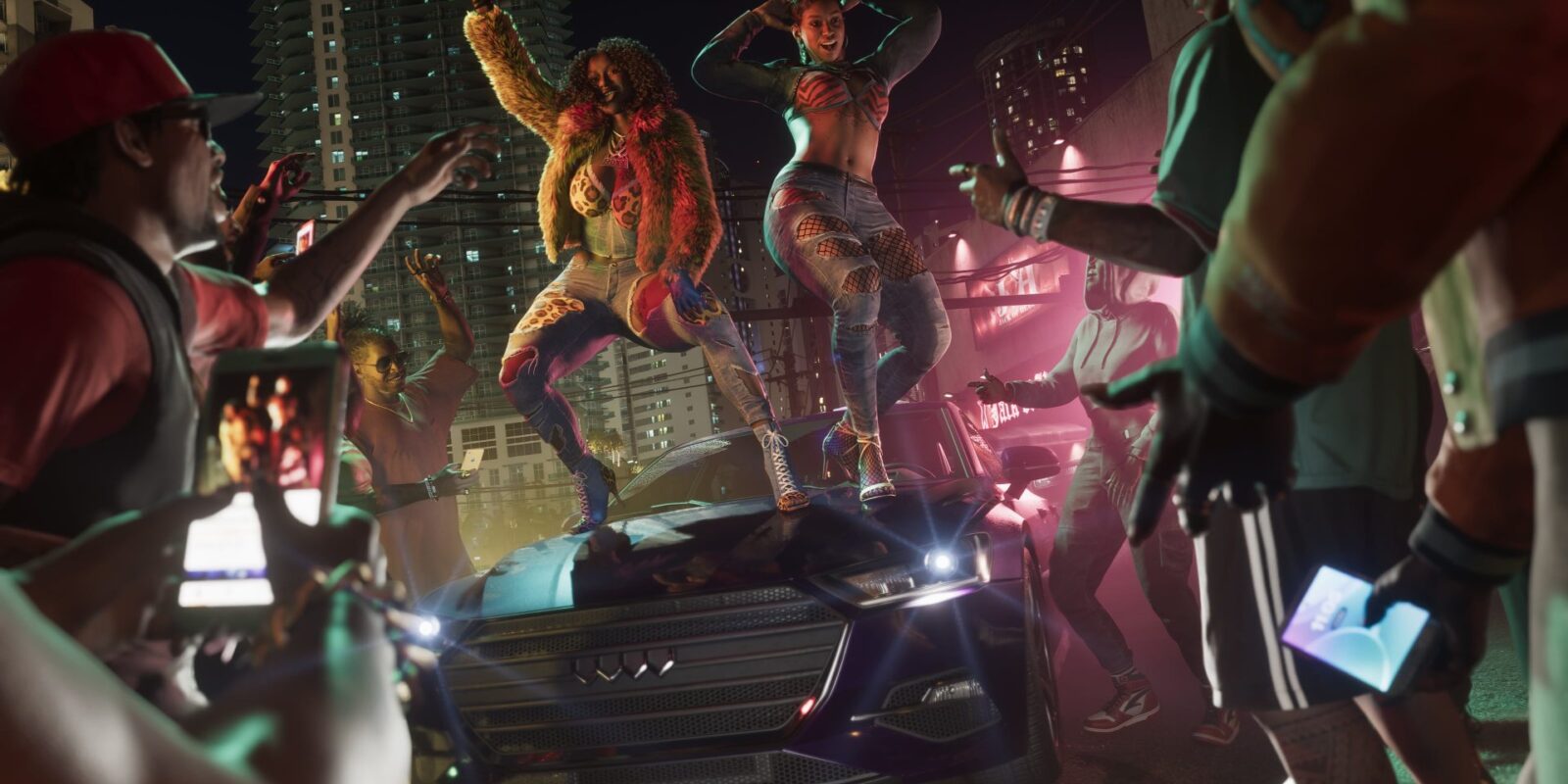
Is there a GTA 6 photo mode? Snapmatic photos and in-game social media were shown in previews, so taking pictures is part of the game. We will add the exact steps and camera settings from launch day, November 19, 2026.
Key Facts
- Shown in previews: Snapmatic photos and social media
- Full photo mode details: not confirmed yet
- Step-by-step guide: from launch day
Social media is everywhere in Leonida
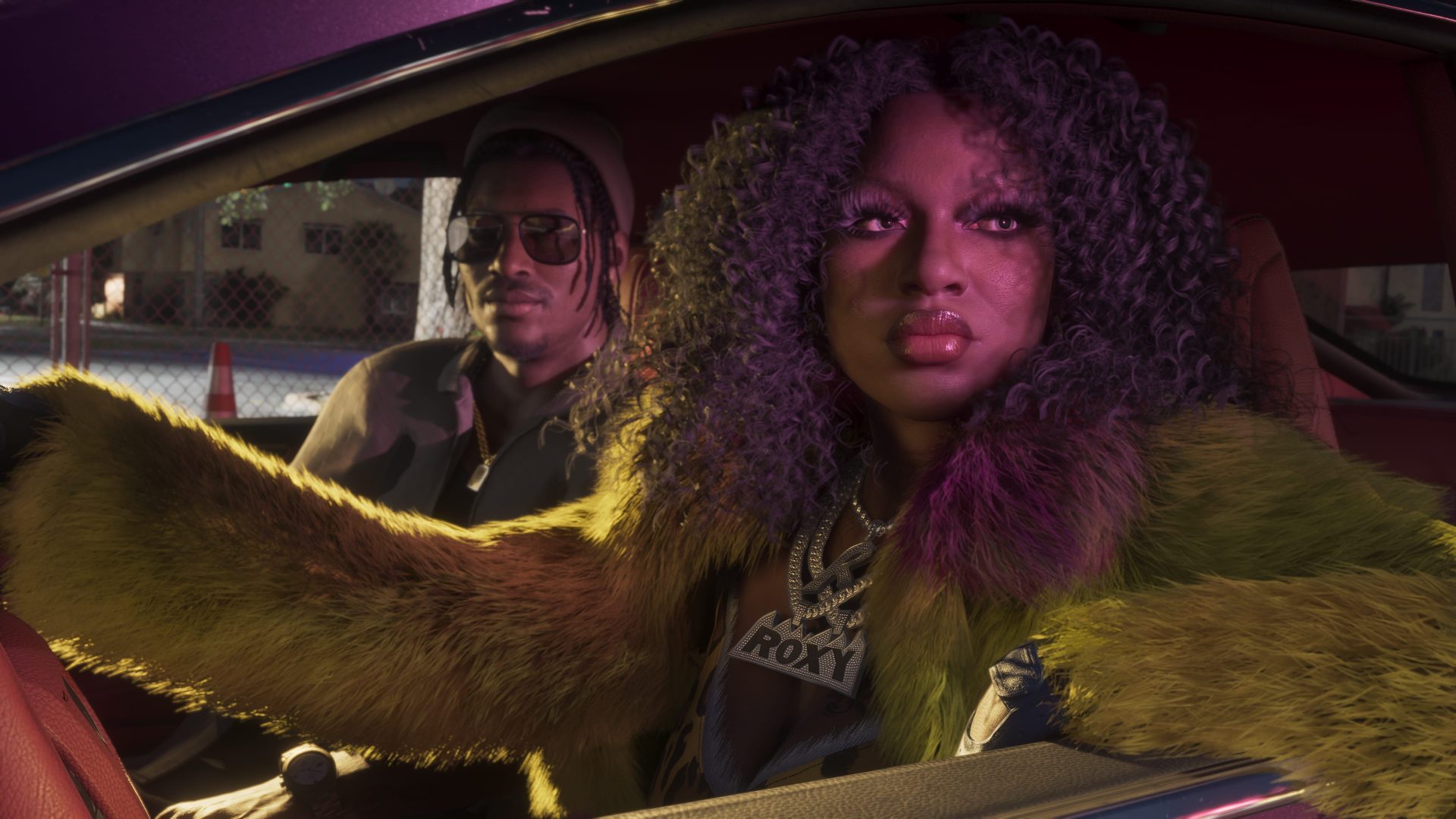
Social media runs through the whole game. The trailers parody influencer culture, and the rap duo Real Dimez is known for a relentless social media presence. So photos look set to be part of the world, not just a menu option.
How it worked in GTA V
In GTA V, Snapmatic was the camera app on your in-game phone. You could take photos and selfies, add filters and share them. We will check what has changed in the new game.
What this GTA 6 photo mode guide will cover
- How to open the camera and take a selfie
- Whether there is a full photo mode that pauses the game
- Filters, frames and settings worth changing
- How to save and share your shots from PS5 and Xbox
Pro Tip
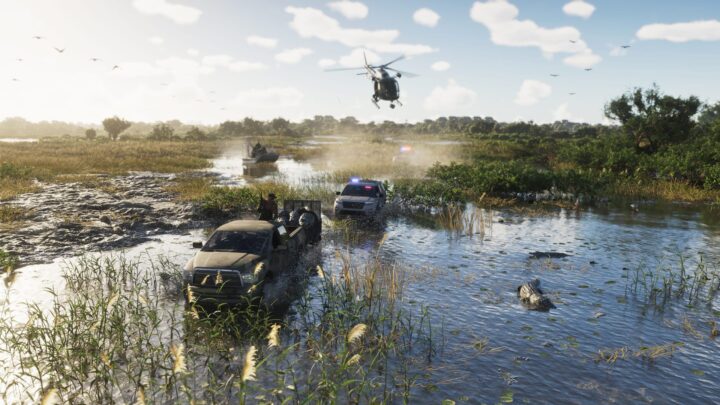
Need inspiration? The Launch Gallery screenshots show Rockstar’s own favourite spots, and our map guide covers every region.
FAQ
Can I use the console’s own screenshot button?
Yes, the PS5 Create button and the Xbox Share button capture screenshots in almost any game. Rockstar has not said whether it blocks them during any scenes.
Where can I see the best shots?
Rockstar’s official GTA VI site hosts its own screenshot galleries. We will also share the best reader photos after launch.
Sources
Comments