
GTA 6 controls are different from GTA 5 in a few important ways: run is now on L3, crouch is on Circle, and many actions hide behind held buttons. Below is the full layout for PS5 and Xbox, plus the hidden controls the game never tells you about.
Key Facts
- Schemes: Default and Classic (Classic puts run back on X / A)
- Custom remapping: not available
- First-person mode: no full mode, only a first-person look while standing still
- Platforms: PS5 and Xbox Series X|S (no PC version yet)
GTA 6 controls on foot
These are the Default scheme buttons. The biggest change for GTA 5 veterans is that you click the left stick to run instead of tapping X.
| Action | PS5 | Xbox |
|---|---|---|
| Run (click again to sprint) | L3 | Left stick click |
| Jump / climb | X | A |
| Crouch | Circle | B |
| Interact / enter vehicle | Triangle | Y |
| Interact with a person | Hold L2 | Hold LT |
| Look behind | R3 | Right stick click |
| Map | Touchpad | View |
| Pause | Options | Menu |
| Phone | D-pad Up | D-pad Up |
| Objective / minimap | D-pad Down | D-pad Down |
| Partner menu | Hold D-pad Right | Hold D-pad Right |
| Switch character | Hold D-pad Right + R1 | Hold D-pad Right + RB |
Combat controls
| Action | PS5 | Xbox |
|---|---|---|
| Aim / shoot | L2 / R2 | LT / RT |
| Take cover | R1 | RB |
| Holster / draw weapon | L1 | LB |
| Weapon wheel (loadout) | Hold L1 | Hold LB |
| Melee | Square | X |
| Heal | Hold L1, press Square | Hold LB, press X |
| Detonate explosives | D-pad Right | D-pad Right |
| Swap aiming shoulder | D-pad Left / Right while aiming | D-pad Left / Right while aiming |
| Choke-out | Hold Square + D-pad while grappling | Hold X + D-pad while grappling |
Need more firepower? Our GTA 6 cheats guide lists every known code, including weapon and health cheats.
Driving controls
| Action | PS5 | Xbox |
|---|---|---|
| Accelerate / brake and reverse | R2 / L2 | RT / LT |
| Get out | Triangle | Y |
| Get out, engine running | Double tap Triangle | Double tap Y |
| Turn signals | Tap D-pad Left / Right | Tap D-pad Left / Right |
| Radio and vehicle menu | Hold D-pad Left | Hold D-pad Left |
| Change station | L1 / R1 | LB / RB |
| Headlights | Tap Circle | Tap B |
| Vehicle interaction | Hold D-pad Up | Hold D-pad Up |
| Cinematic auto-drive | Hold D-pad Down | Hold D-pad Down |
Boats use the same layout as cars. On a bike, Square (X on Xbox) kicks a nearby person.
Flying planes
| Action | PS5 | Xbox |
|---|---|---|
| Accelerate | R2 | RT |
| Take off | Hold R2, pull left stick back | Hold RT, pull left stick back |
| Slow down / land | Hold L2 | Hold LT |
| Rudder yaw left / right | Hold Square / Circle | Hold X / B |
Pitch is inverted by default. You can change it under Aircraft Movement in the settings.
Hidden controls the game doesn’t explain
Several fun and useful moves never appear in the tutorials. These were found by players in launch week.
| Action | PS5 | Xbox |
|---|---|---|
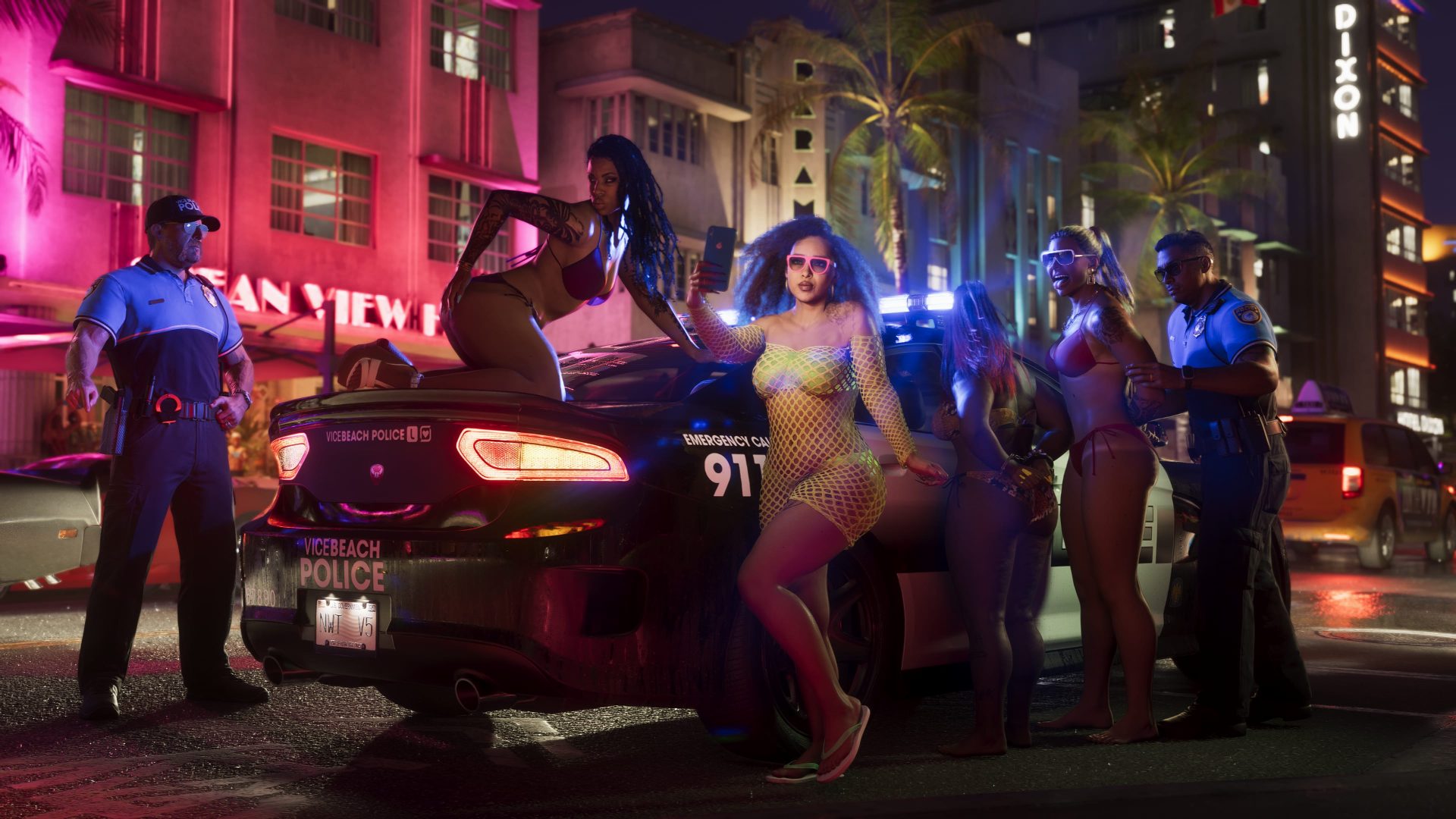
| Lean on a car or wall, sit on a dock | Hold Circle | Hold B |
| Flip someone off (unarmed) | Hold L2 on target, press R1 | Hold LT on target, press RB |
| Radio off | Double tap D-pad Left | Double tap D-pad Left |
| Police siren and lights | Click L3 | Click left stick |
| Shout at other drivers | R3 while driving | Right stick click while driving |
| Swing your door at someone | Tap Square while driving | Tap X while driving |
| Quick waypoint | Hold D-pad Down, click R3 | Hold D-pad Down, click right stick |
| Focus | L3 + R3 | Both stick clicks |
Is there a first-person mode?
No. Unlike the GTA 5 re-release, GTA 6 has no full first-person mode at launch. There are two limited first-person views instead.
- First-person look: stand still with no weapon out, hold L2 and click R3 (LT and right stick on Xbox). You can look around and zoom with R2 / RT, but you can’t walk.
- Scoped weapons: click R3 while aiming a scoped gun to look down the sight.
Warning
Videos show a first-person driving glitch triggered by using the phone and spamming the touchpad. It is a bug, not a feature, and could be patched out at any time.
Default vs Classic control scheme
If the new layout feels wrong, switch to Classic in the controls settings. It moves on-foot actions closer to older Rockstar games, while vehicle controls stay on the triggers.
| Action | Default (PS5 / Xbox) | Classic (PS5 / Xbox) |
|---|---|---|
| Run | L3 / Left stick click | X / A |
| Jump / climb | X / A | Square / X |
| Melee | Square / X | Circle / B |
| Crouch | Circle / B | L3 / Left stick click |
Pro Tip
The partner menu is the key to playing as both leads. See our guide on switching between Jason and Lucia for when it unlocks.
FAQ
Can you remap buttons?
Not freely. You can pick Default or Classic, but there is no custom remapping in the game. Console-level remapping on PS5 and Xbox still works.
How do you sprint?
Click L3 to run and click it again to sprint. On Classic, use X / A instead.
What about reload and handbrake?
We are still confirming these buttons and will add them here as soon as they are verified.
New to Leonida? Our GTA 6 tips cover 25 things to know before you start.
Update Log
- Nov 25, 2026: Guide published with full PS5 and Xbox layouts, hidden controls and first-person options.
Sources
Comments